01
Order confirmed
Your order has been received and the order details are recorded before fulfillment begins.
Follow your Pawvia delivery from the first carrier scan to arrival at your door. Use the tracking number included in your shipping confirmation to view the latest available shipment activity.
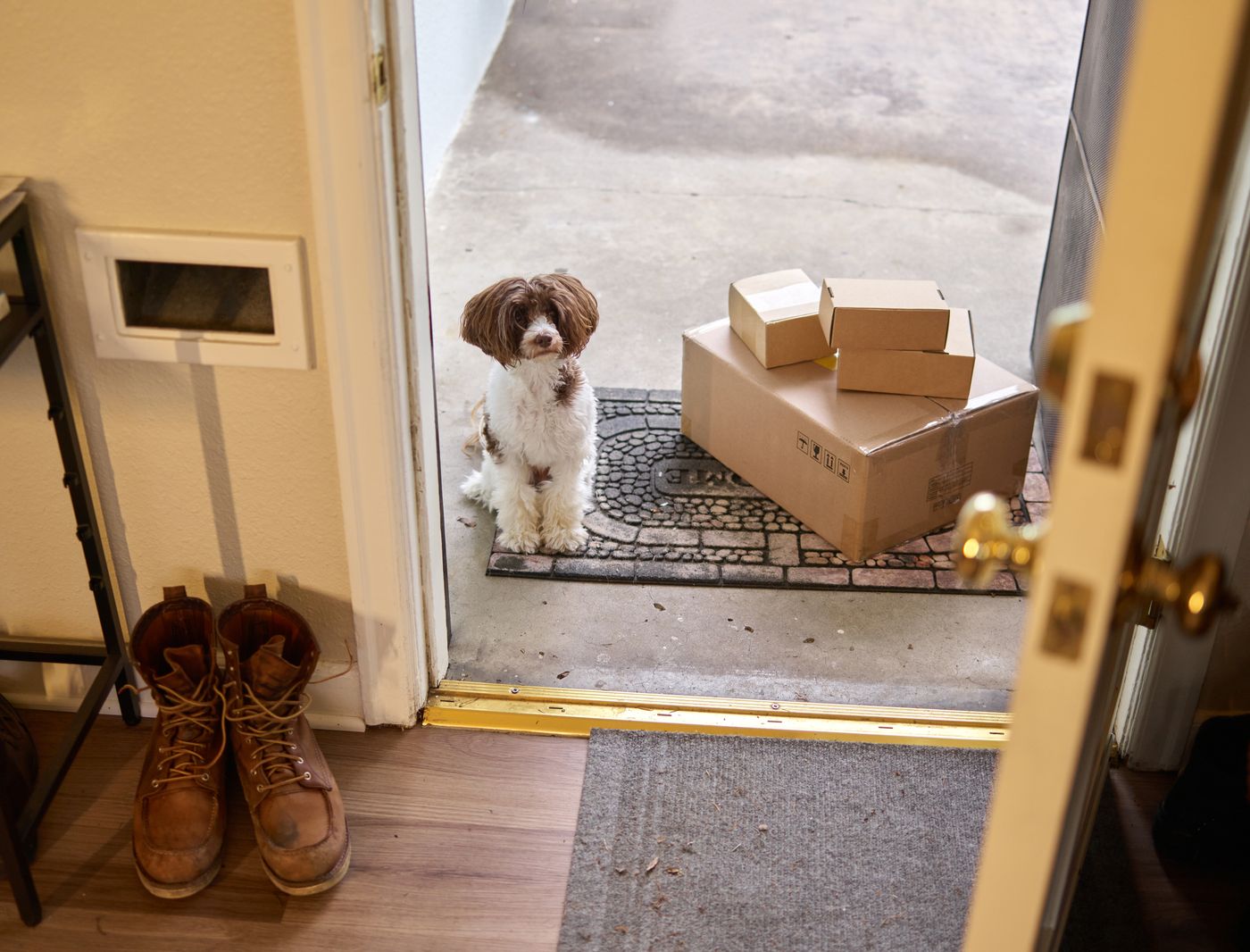
Your tracking number is normally included in the shipping confirmation sent after your order is handed to the carrier. Newly created labels may not show movement immediately.
Paste the complete carrier tracking number exactly as it appears in your shipping confirmation.

Tracking updates create a record of the parcel as it moves from preparation into the carrier network and toward its final delivery.
Your order has been received and the order details are recorded before fulfillment begins.
The order is being prepared for dispatch. A tracking number may appear before the carrier records its first physical scan.
The parcel has entered the carrier network and tracking activity can begin updating as it moves between facilities.
The shipment is progressing through the delivery route. Individual scans may appear at sorting hubs or regional facilities.
The carrier has marked the parcel as delivered at the destination or another delivery location recorded in the tracking details.
Carrier language can vary, but most updates describe one of a few common shipment stages. These are the statuses you are most likely to see while following a parcel.
Shipment information exists, but the first carrier movement may not have been recorded yet.
The parcel is moving through the carrier network toward the destination area.
The carrier has assigned the parcel to the local delivery stage shown in the tracking record.
The carrier has completed the shipment and recorded delivery information for the parcel.
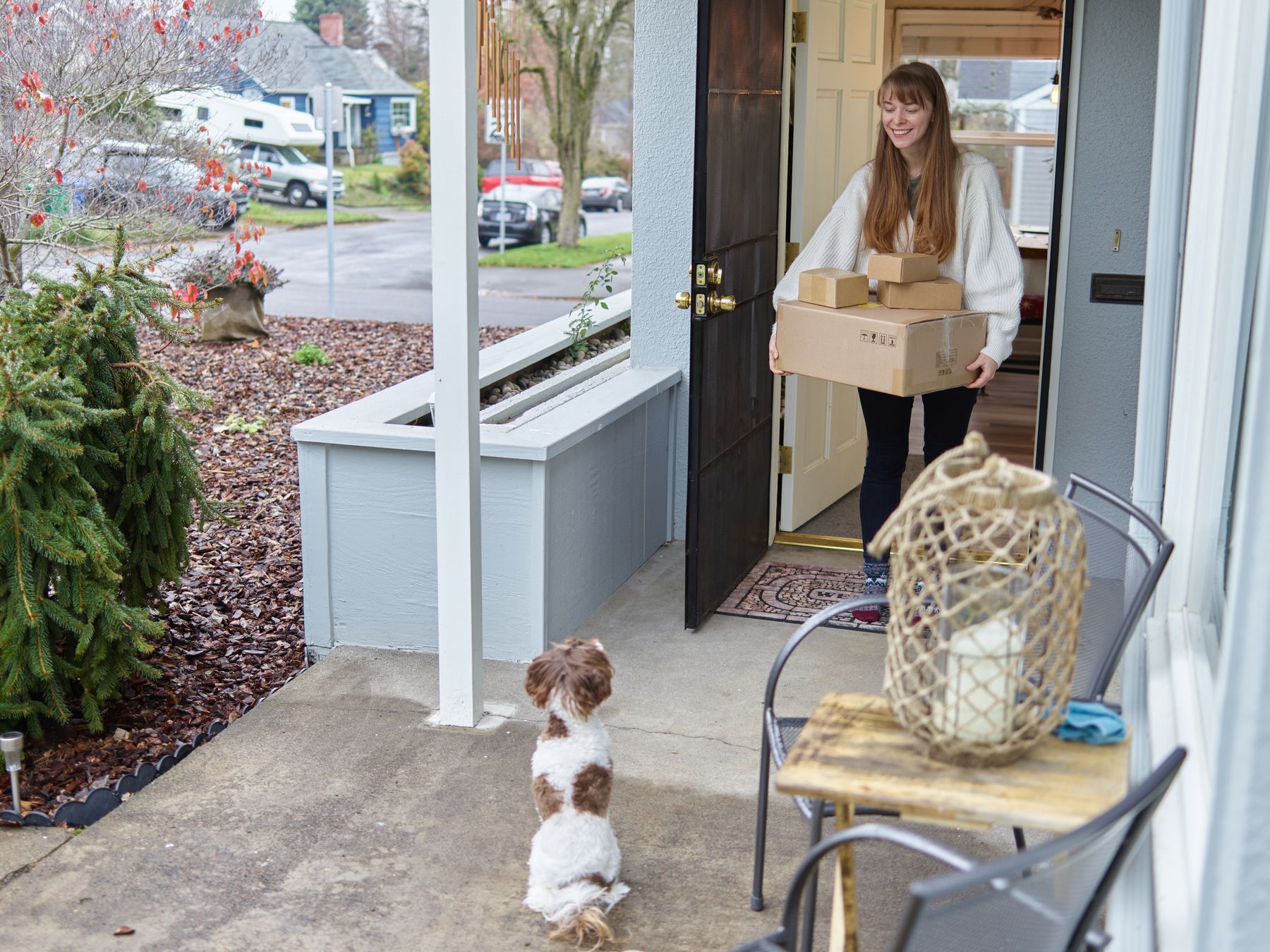
A tracking page can occasionally remain unchanged between physical scans. Before requesting assistance, a few quick checks can help clarify what the latest update means.
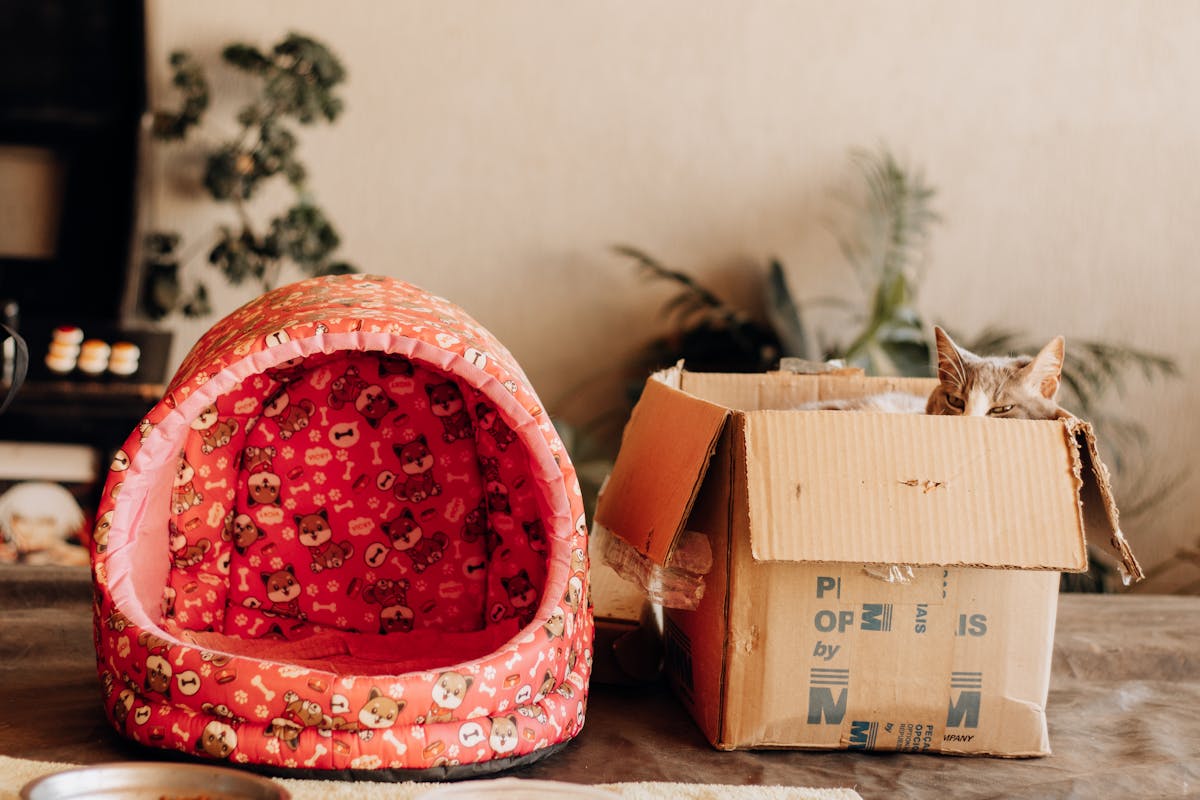
Start with the location information shown in the carrier record. Parcels may be recorded at a front entrance, parcel area, reception point, or another delivery location.
Checking around the property and with other members of the household can help rule out a nearby delivery before the shipment is investigated further.
Quick guidance for the shipment updates customers most often encounter between dispatch and delivery.
Look for the shipping confirmation associated with your Pawvia order. The carrier tracking number is separate from the Pawvia order reference used to identify your purchase.
A shipping label can be created before the carrier records the parcel's first movement. Additional tracking activity normally appears after a physical carrier scan is registered.
Parcels may travel between locations without a public-facing update at every stage. The most useful reference is the latest scan, its location, and any message supplied by the carrier.
Review the carrier's delivery details, check around the property and designated parcel areas, and confirm whether another household member received the shipment. Keep the tracking number available if further review is required.
When more than one shipment is associated with an order, each parcel can have its own tracking activity. Review every tracking number included with the shipping information you received.
From feeding and comfort to travel, enrichment, grooming, and smart pet living, Pawvia brings practical everyday products into one considered pet lifestyle collection.
Keep your tracking number close until delivery is complete, and use the latest carrier scan as the clearest view of where your Pawvia shipment is in its journey.